Use of Interactive Tools
In 2021-22, I was working in academia. At the time, the number of different student situations we needed to accommodate kept growing: students studying online for health reasons, those transferring from other universities, learners returning from exchange semesters, and more. With the introduction of a new system that lets students choose their subjects, we realised our course also needed to become more flexible. This led to the creation of an asynchronous version of Academic Writing, designed to offer an engaging learning experience supported by interactivity and multimedia.
Our Moodle platform made this possible. It provides a wide set of tools for both individual and collaborative work, and it also allows us to embed interactive elements directly into the course. Below are a few examples of how we used these features in the fully online Academic Writing course.
One of the simplest but most effective activity types is the quiz. In our case, we used them in the presentation stage to act as “learning quizzes” - low-stakes checks where students use prior knowledge and deduction to choose the best answer. Every option, both correct and incorrect, includes a short comment explaining the reasoning or pointing students toward helpful additional resources. This gives students immediate feedback and supports self-paced learning without creating pressure.
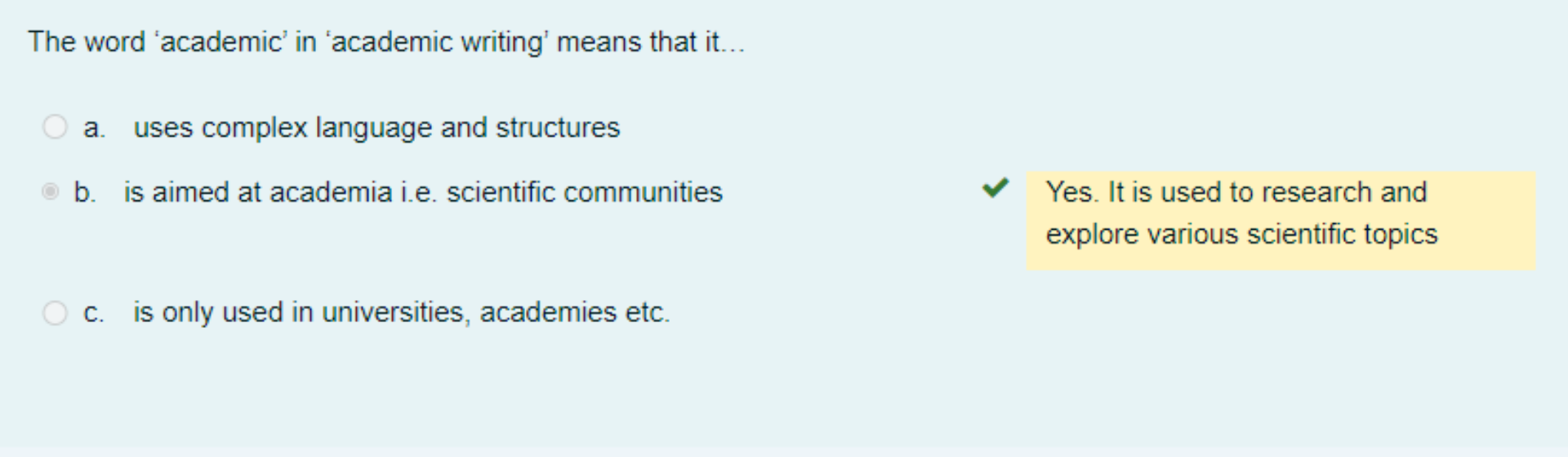

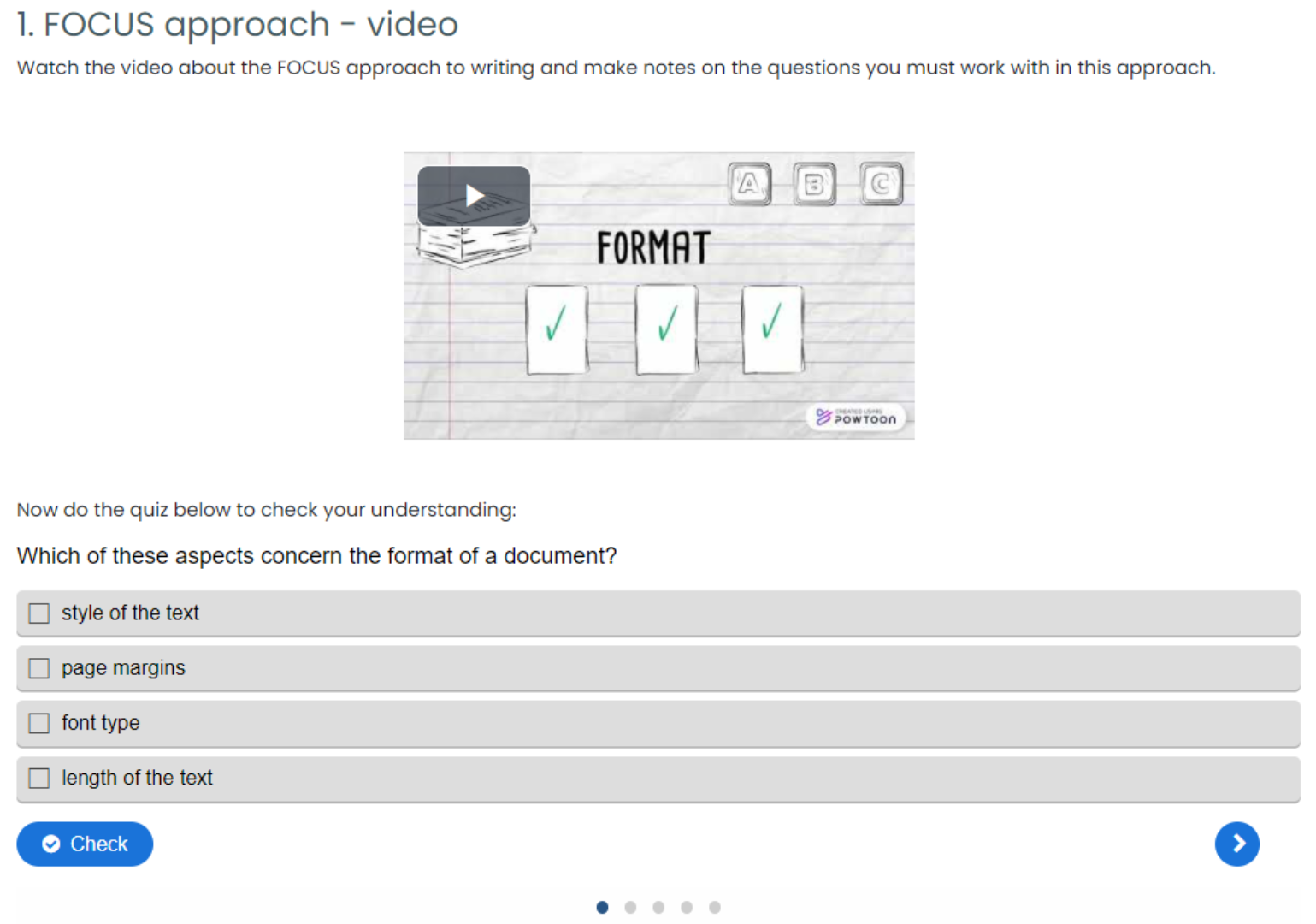
With H5P activities, we can place our “quizzes” directly inside the learning content. For example, we use multiple-choice questions to help students check their understanding of newly presented material. In one activity, learners watch a video about the FOCUS approach to writing and then answer a few quick questions to confirm what they’ve grasped.
The goal here isn’t assessment - it’s awareness. This kind of interaction helps students immediately see whether they’ve missed something and encourages them to revisit the video if needed. Because everything sits on the same page, the learning loop is quick, seamless, and easy to follow.
You can take this a step further by embedding interactive questions directly into the video. In this example, the video introduces paragraph structure and topic sentences, and as soon as a new concept appears, learners are prompted to solve a short practical task. This allows them to check their understanding in real time, right at the moment the idea is introduced.

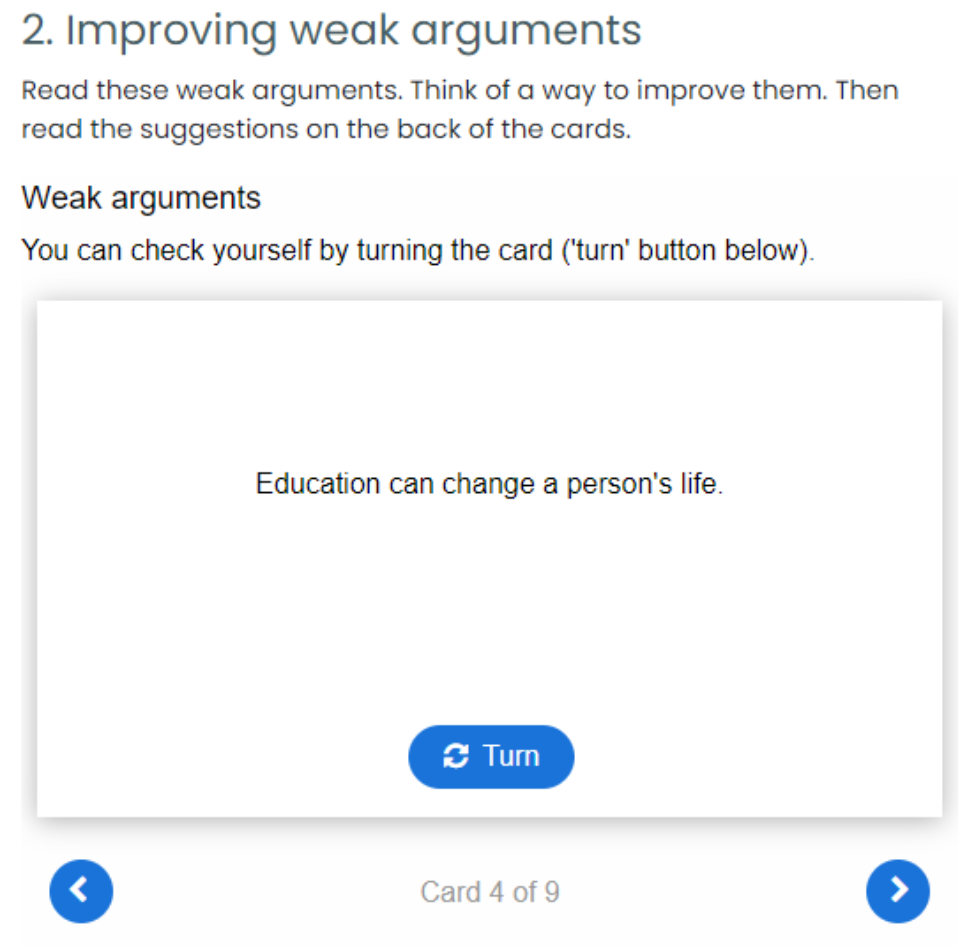
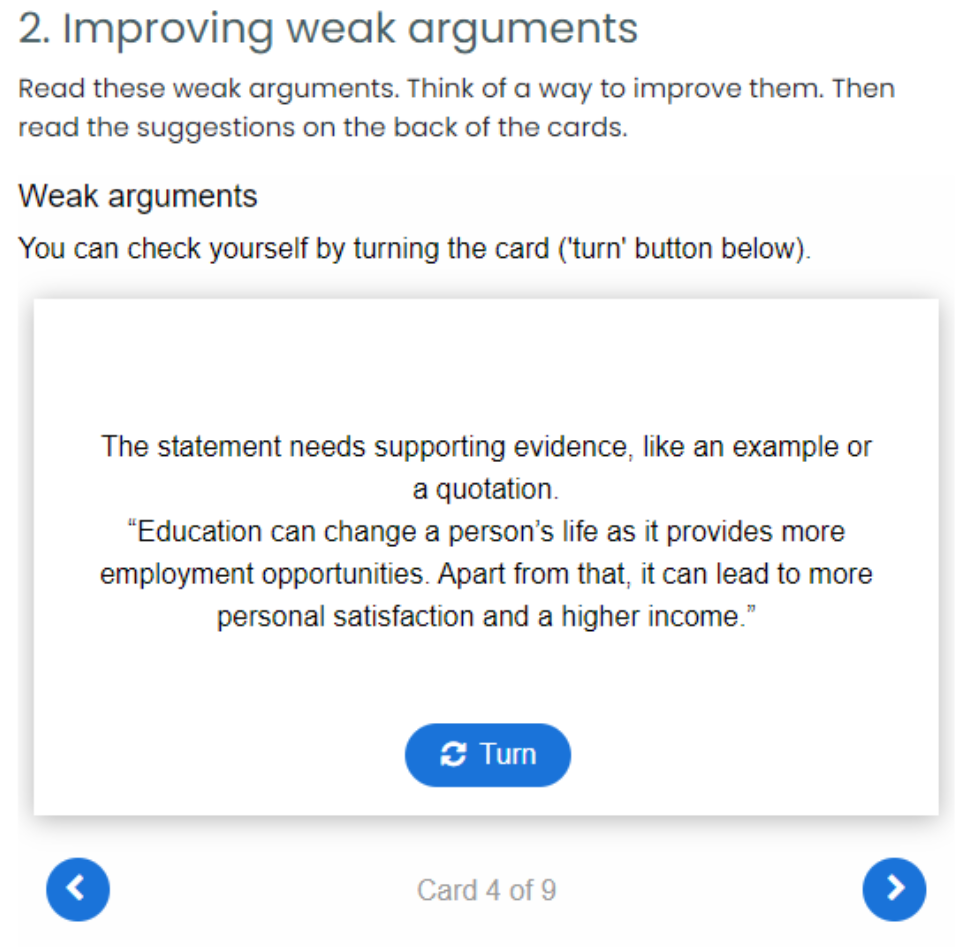
One of my personal favourites is the use of dialogue cards. Each card presents a small task or a question on one side, and once students think through their answer, they can click Turn to reveal the correct response. It’s a simple but effective way to encourage recall, reflection, and quick self-checking.
For example, one set of cards introduces students to different referencing styles and shows which academic journals use them. Another set helps students practice using compare-and-contrast vocabulary correctly. The image below shows a weak argument and prompts learners to think of ways to improve it, as well as the strategies they could use.
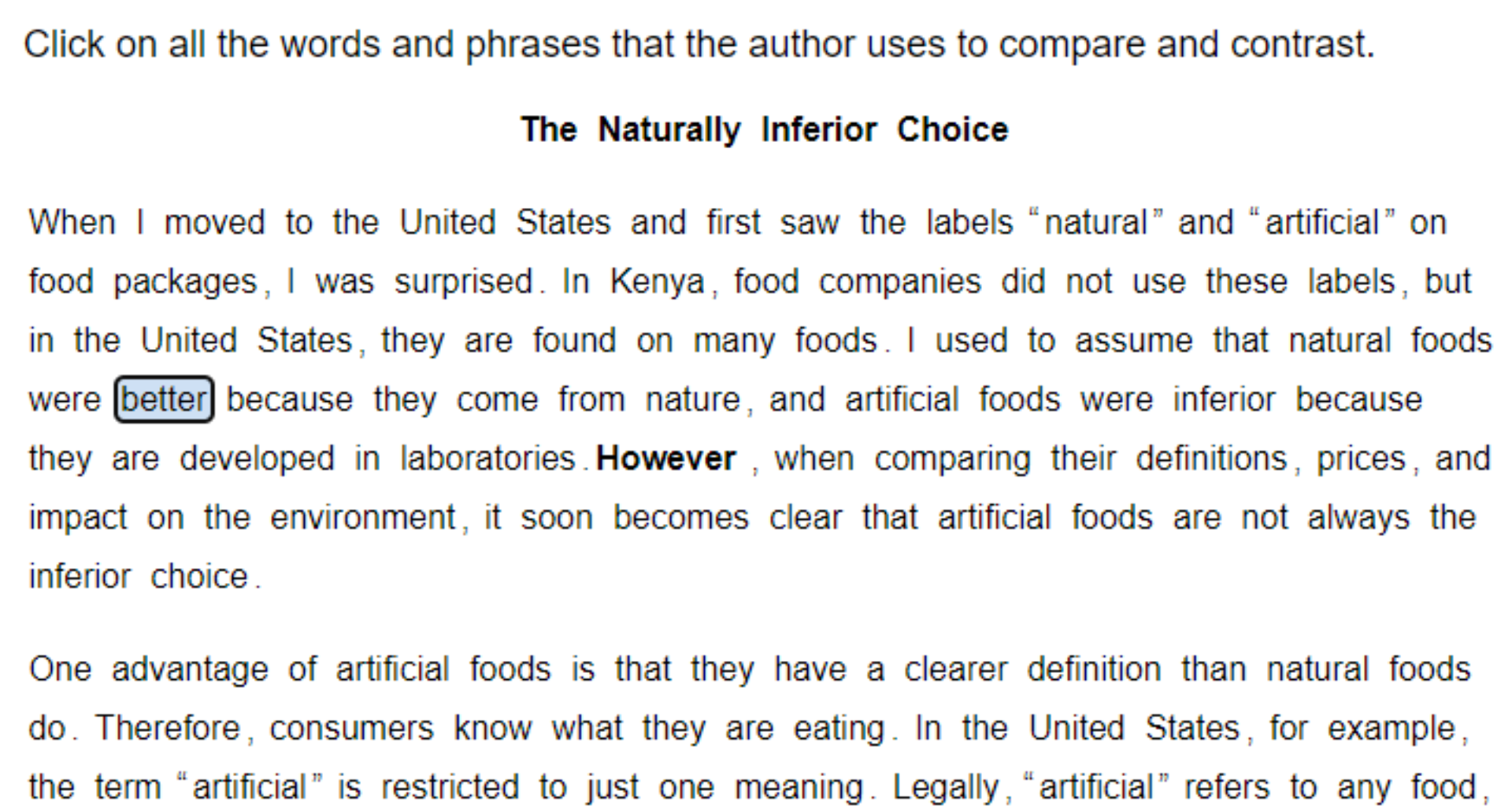
You can also use word-selection activities, where students identify specific words or phrases within a text. This helps them focus on key language patterns, academic vocabulary, or structural features.